One product photo.
A photoshoot, and a fitting room.
AI virtual try-on puts the piece on your shopper, on your product page. You turn that same image into a full AI photoshoot — on a model, on an accessory, or styled on its own. Plus 360° video and live makeup AR. One click on Shopify, one snippet anywhere else.
Ten images free, no card. A generation that fails never costs a credit.
Installs on Shopify in one click — no code edits, no reshoot.
Two sides, one wallet
A fitting room your shoppers use, and a studio you use. Both run off the product photos you already have, and both draw from the same balance. Here is exactly what each one looks like.
- A “Try it on” button appears on your product pageSelvette adds the button. The rest of the page stays your theme.
- They upload a photo, or take one there and thenThe camera opens in the browser, with a self-timer so they can step back for a full-length shot.
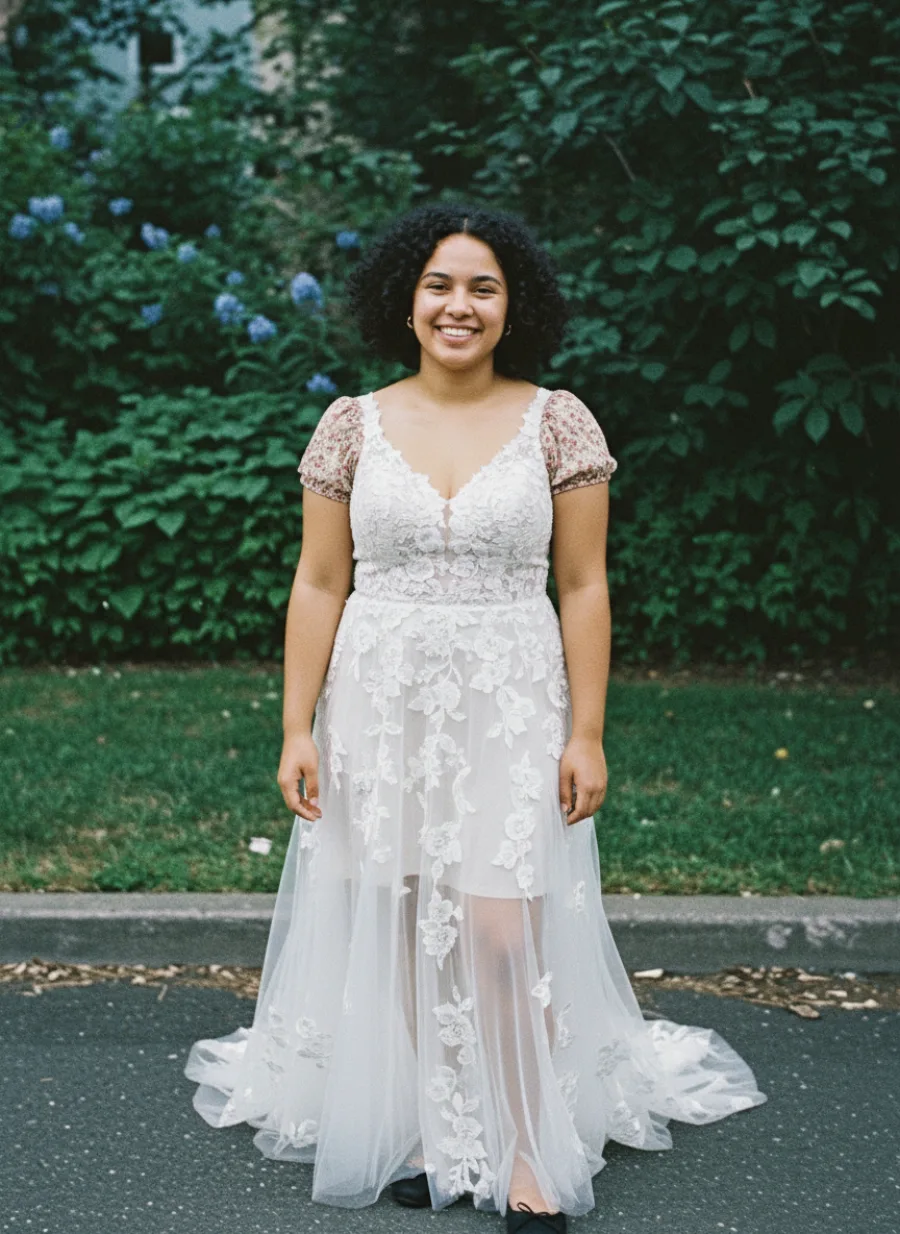
- They see the exact variant on themselves, then add it to the cartThe size and colour selected on the page is the one that gets tried on, and the one that goes in the bag.
Try it on
See how it looks on youYour photo is only used for this try-on and auto-deletes in 24h. We never train on it.
Try it on
See how it looks on youWearing it
- Your shopper sees their own try-onThe 360° option sits under the result, so the turn is of them in your garment — not a stock model.
- They tap “See it in 360°”A short reel renders from that same photo. You decide per product whether the option appears at all.
- They watch it turn, and can save itThe reel plays in the panel with a download, which is the part that ends up on their story.
Wearing it
Wearing it
about a minute.
In 360°
In 360°
- A “Live try-on” button appears on your makeup productsLips, blush and eyeshadow. On a desktop it offers a QR code to carry on into the phone camera.
- The camera opens and the shade renders on their faceThis one really is live and on-device — no photo is uploaded, and nothing is generated.
- The shade they pick is the variant they buyEach swatch maps to the Shopify variant behind it, so the right SKU goes into the cart.
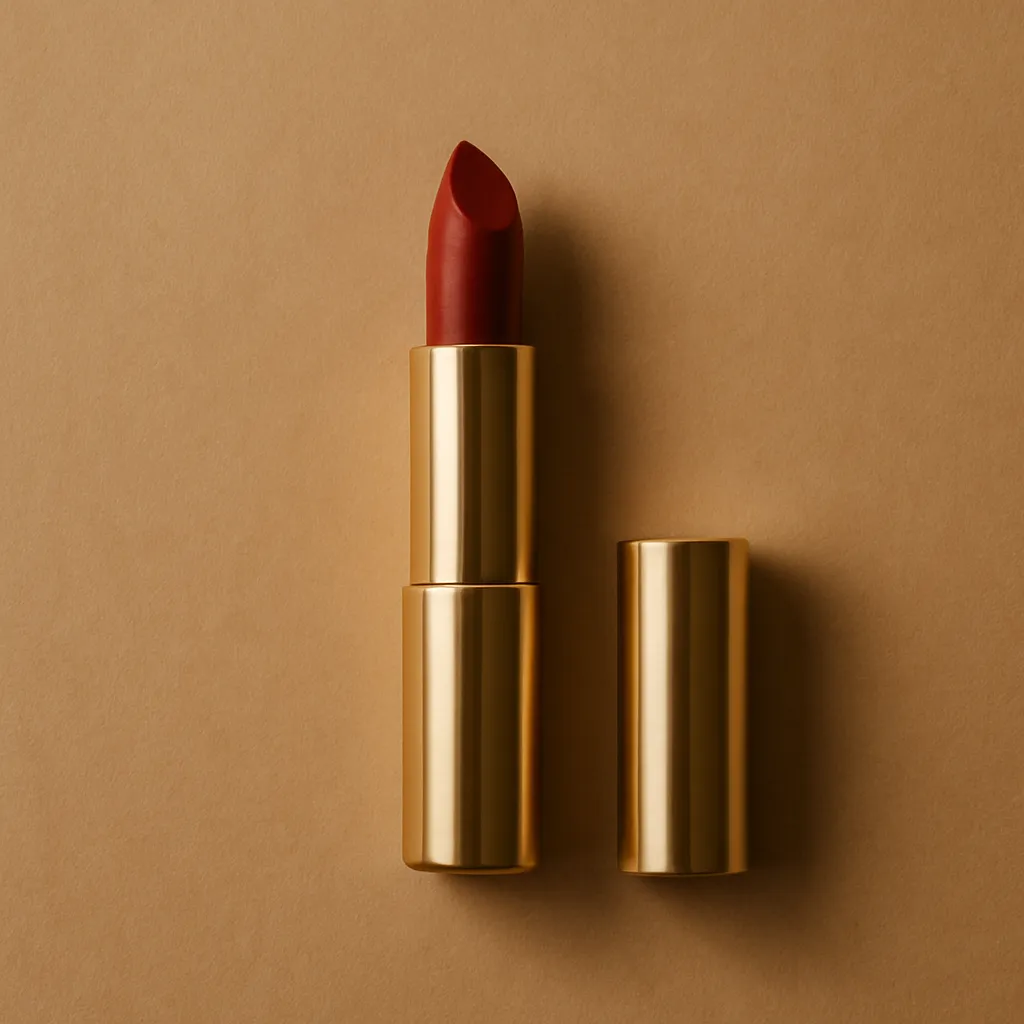
Try it on with your camera
Nothing is uploaded. It runs on your device.Live try-on
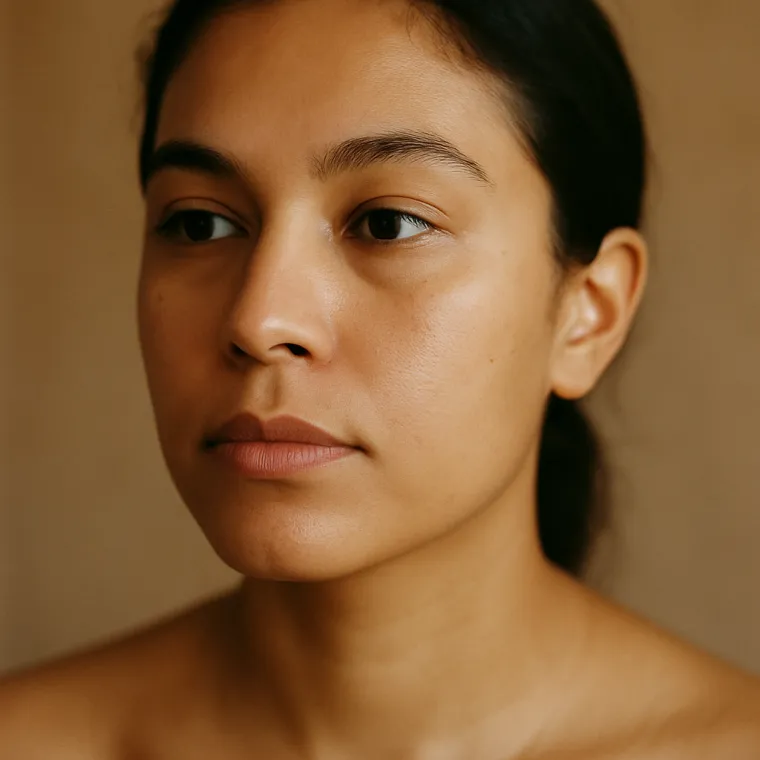
Live try-on
- Send in one product photo, and pick the shootA flat-lay, a mannequin, a hanger, a packshot. Then choose: worn by a model, worn as an accessory, or styled on its own with no model at all.
- Direct itA roster of 50+ models, or bring your own. Skin tone, expression, hair. Six scenes, or upload your own location. Then chip rows for lighting, mood and framing, and a shot list of nine poses — pick up to six, and they render in the order you choose.
- Refine it turn by turn, in plain language“Change the background to white and frame it waist-up.” Then “change the dress colour to wine red.” The piece stays the piece while the shot changes around it — and you can branch from any earlier turn.
- Save it as a Look, then publishThe setup keeps, so the next twenty products in the range match this one. Results land in the gallery; push them straight onto the Shopify product or variant.
What are we shooting?
on a model
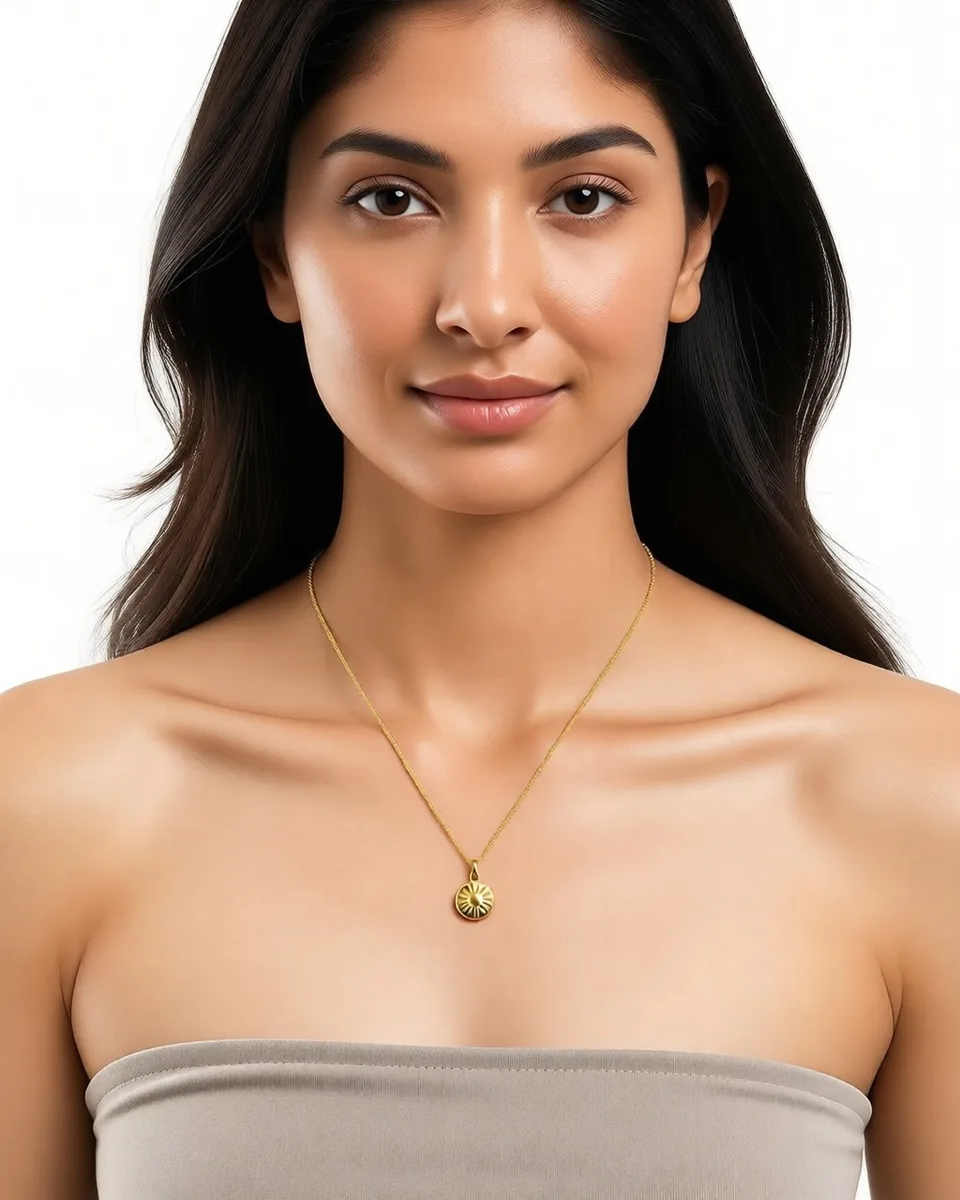
& accessories
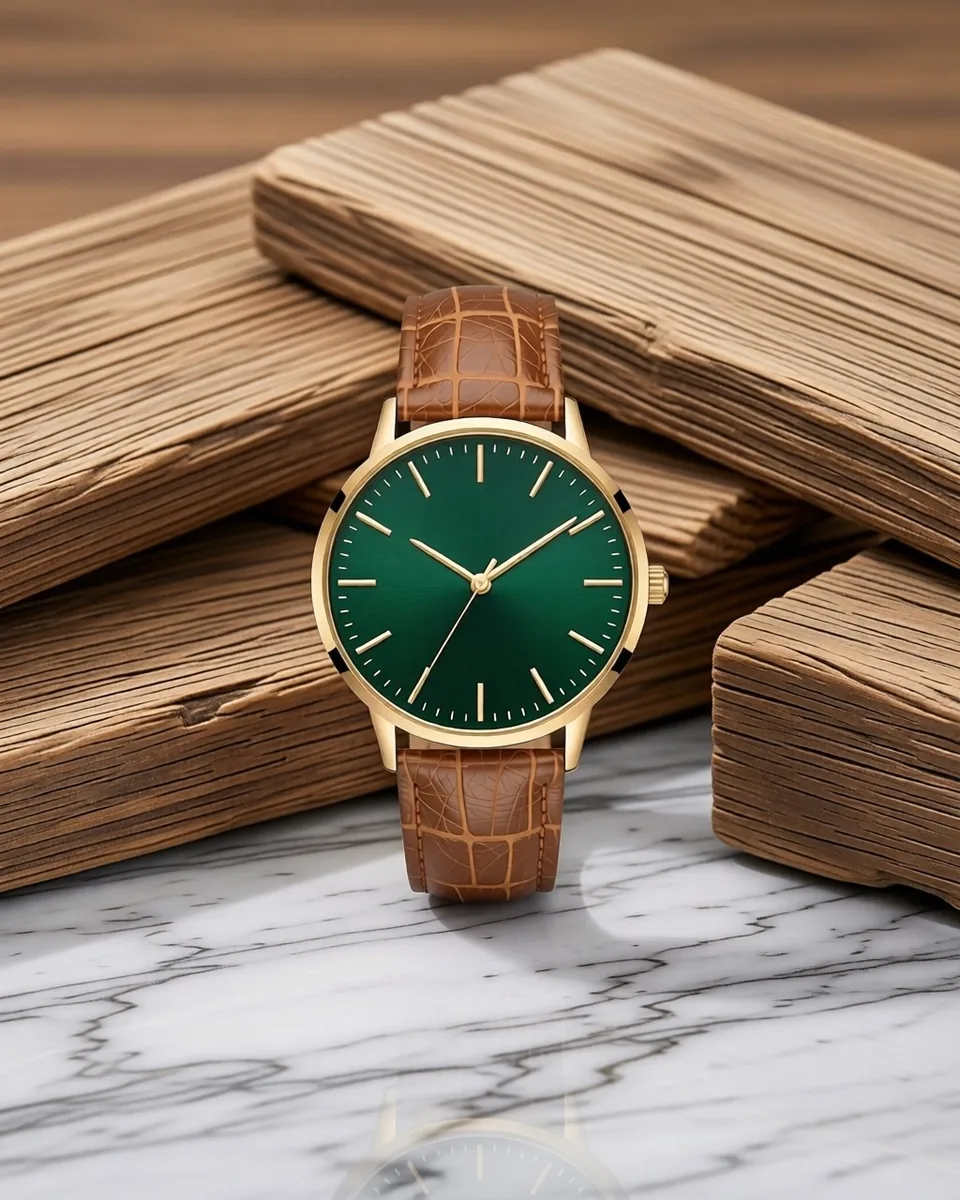
in a scene
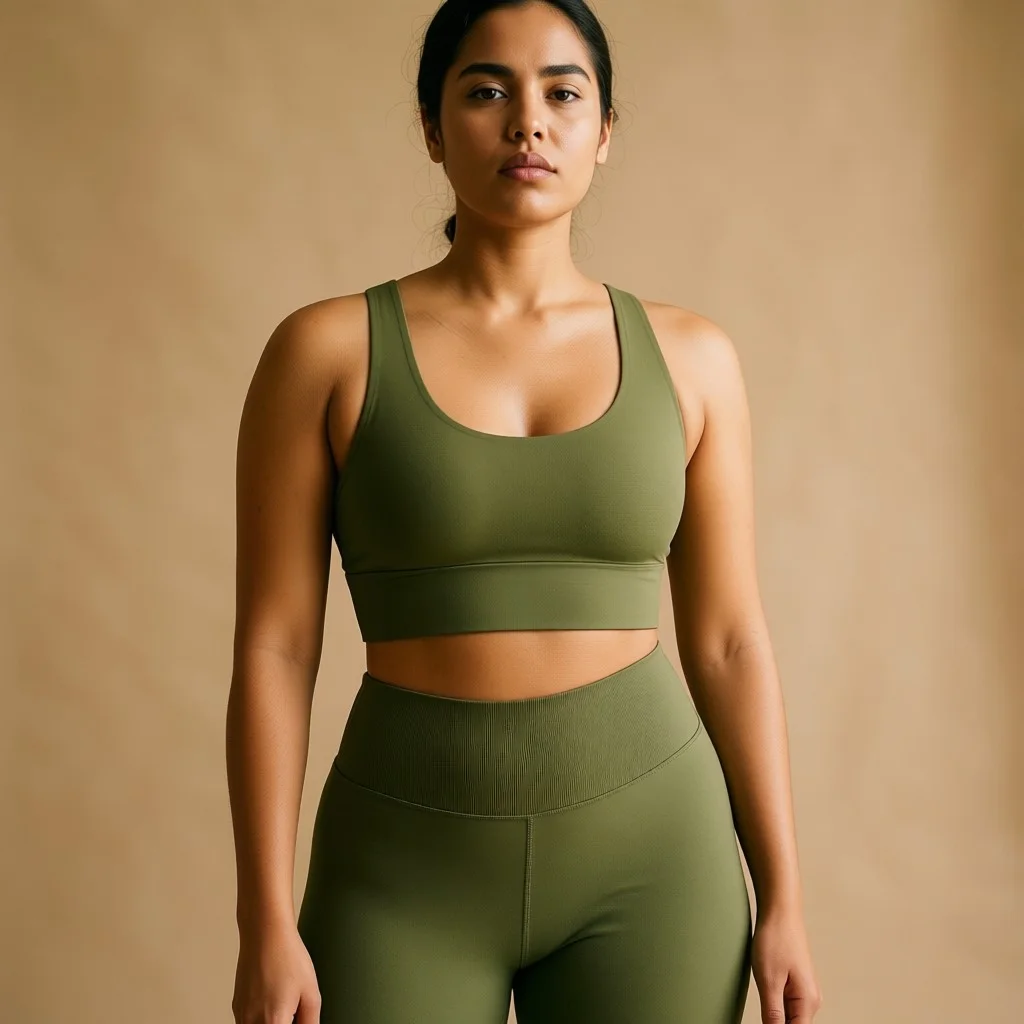 Studio
 Golden hour
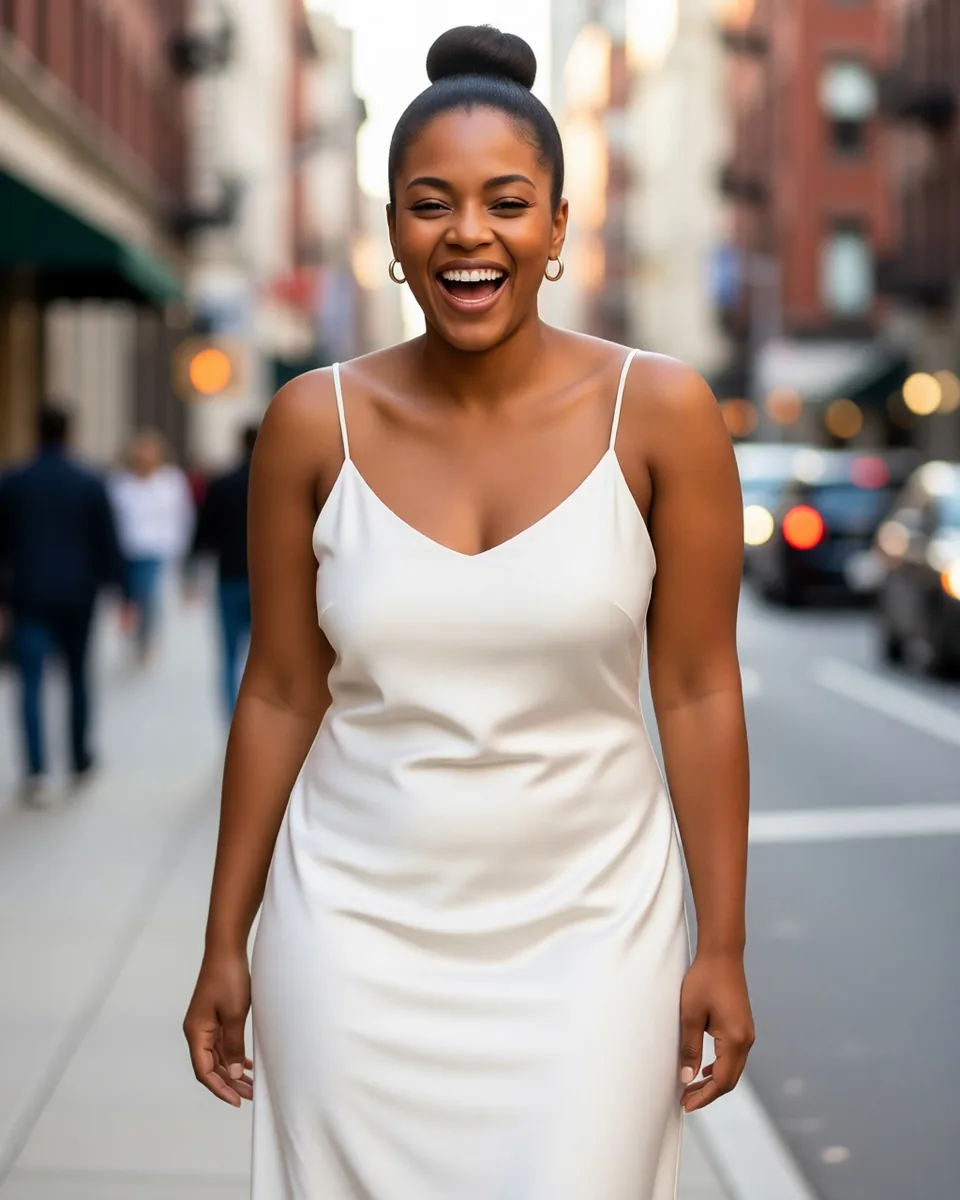 City street
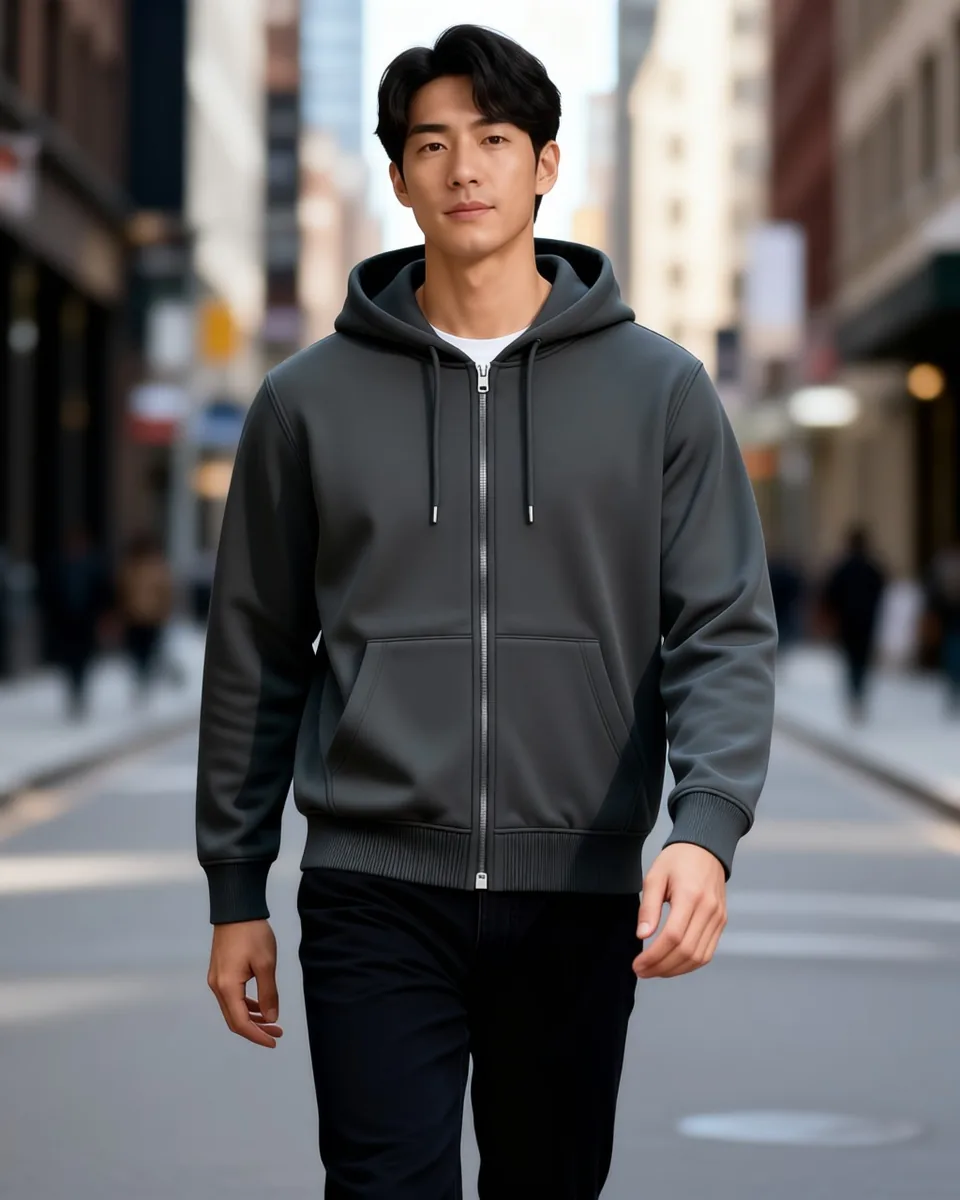 Living room
+Yours
Living room
+Yours
One photo. Every shot you need.
Every frame below came from the same product photo of the same pendant — a different model, a different light, a different crop, by asking rather than reshooting.
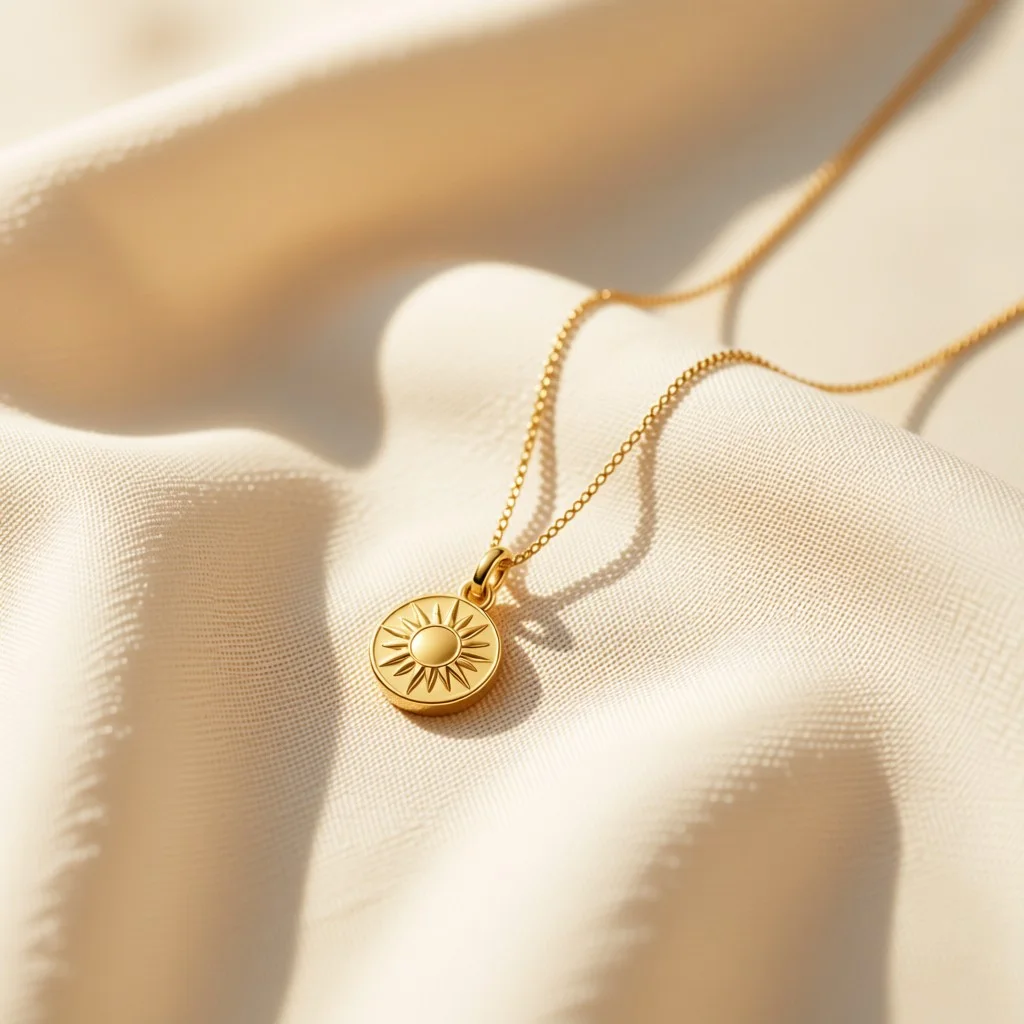
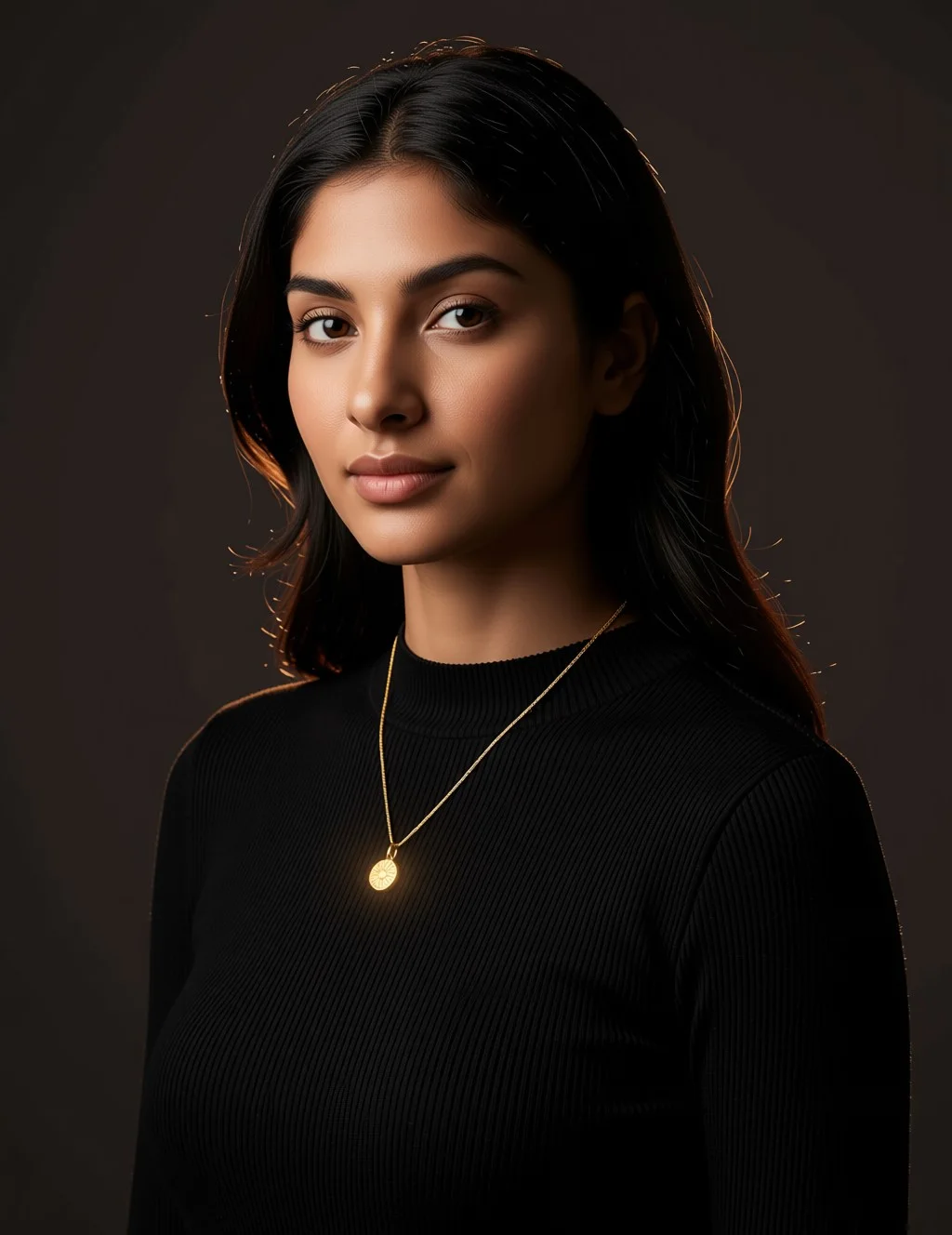
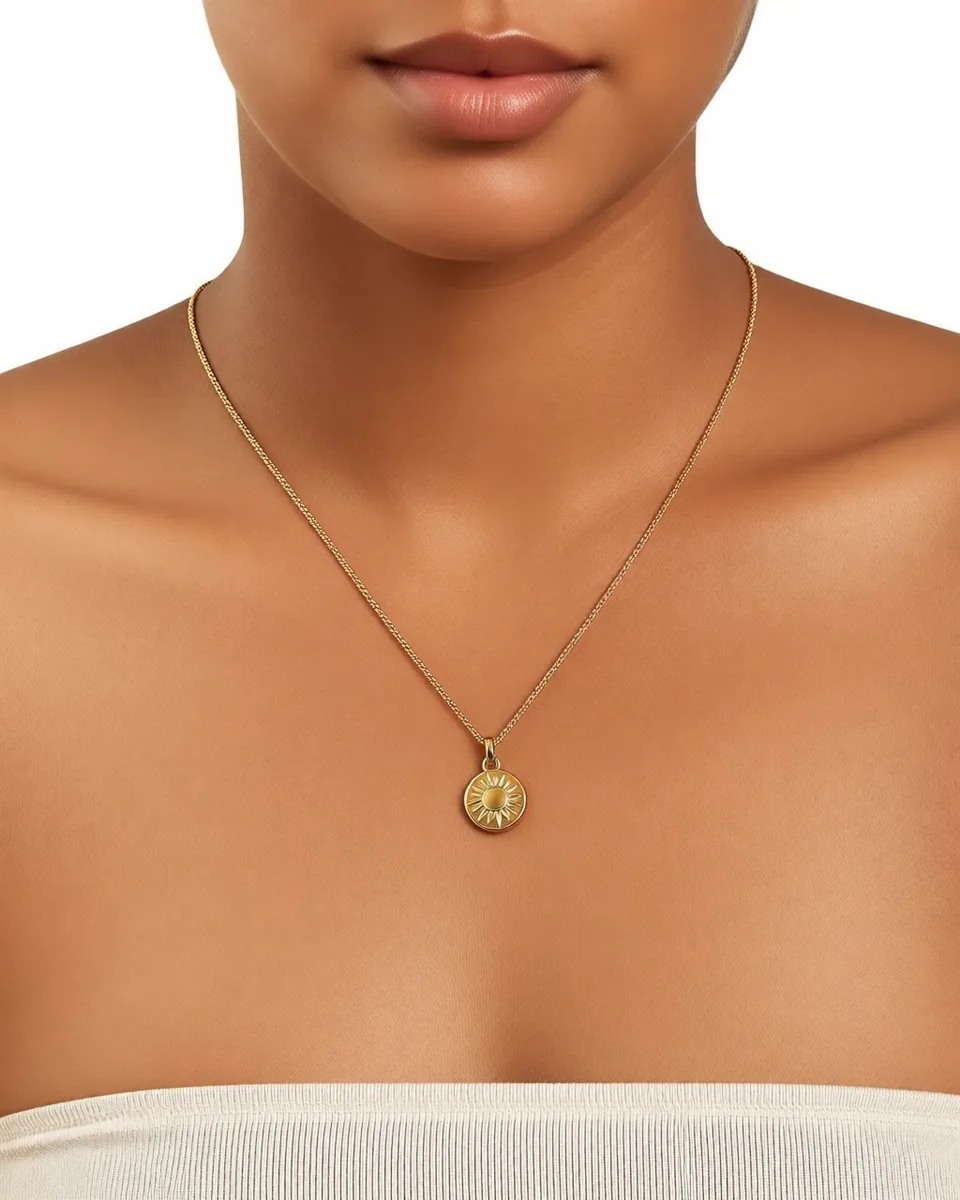

The hard ones
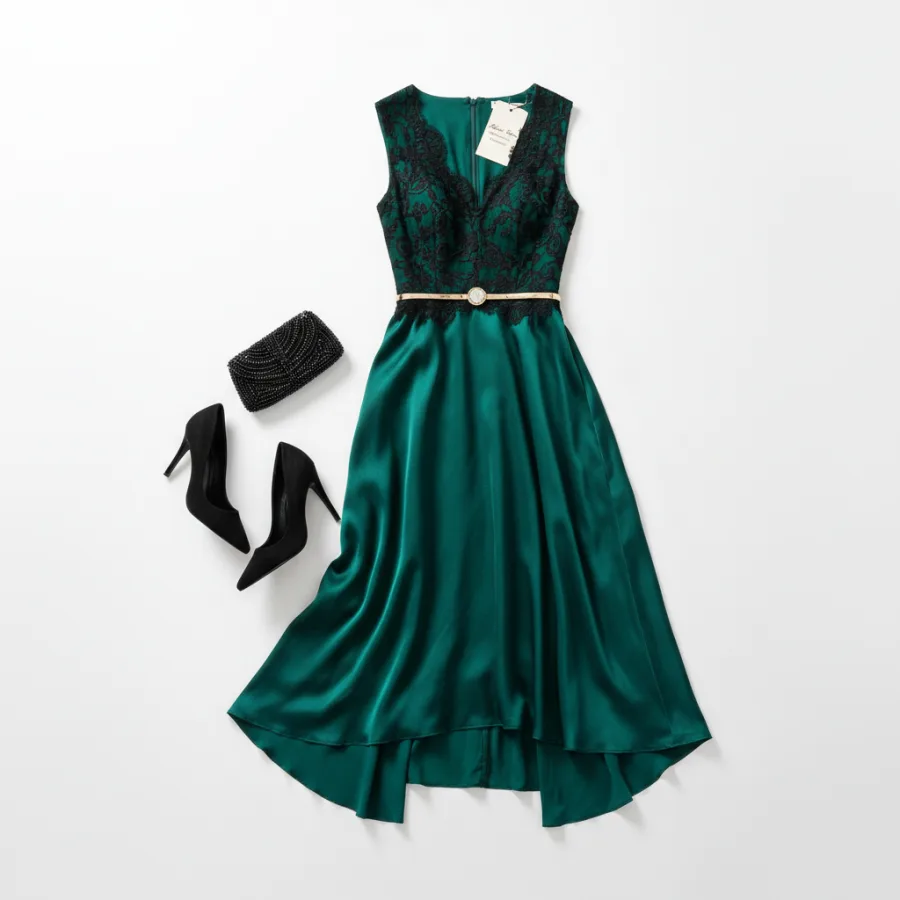
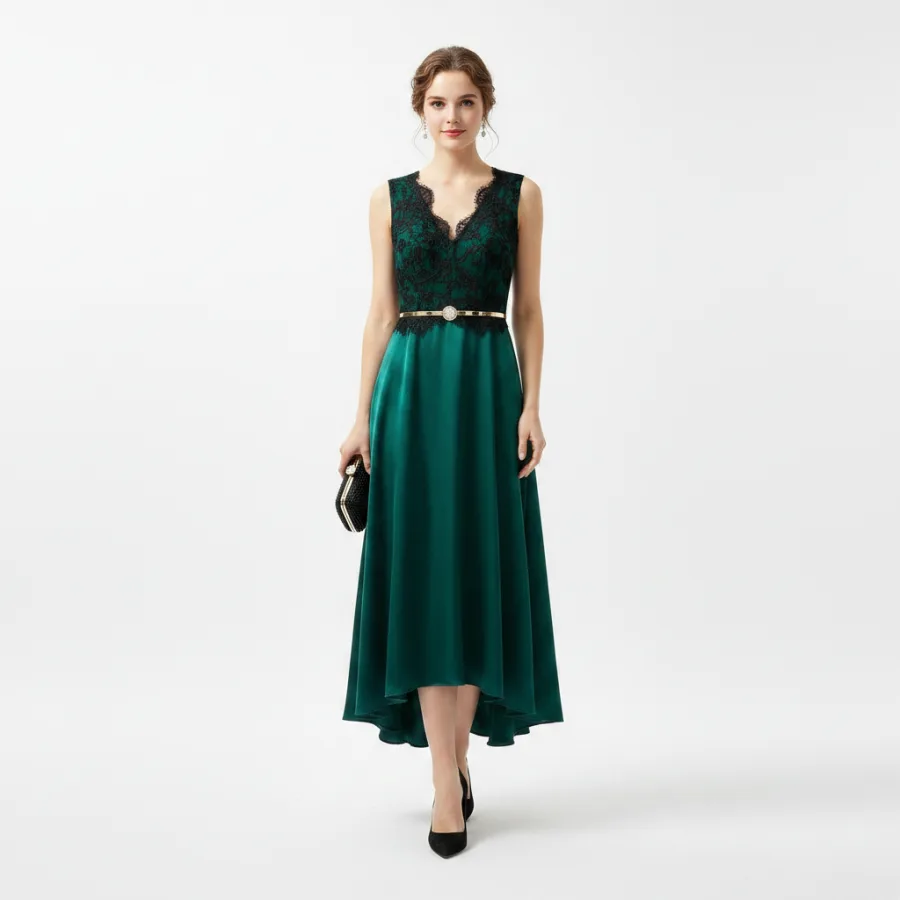
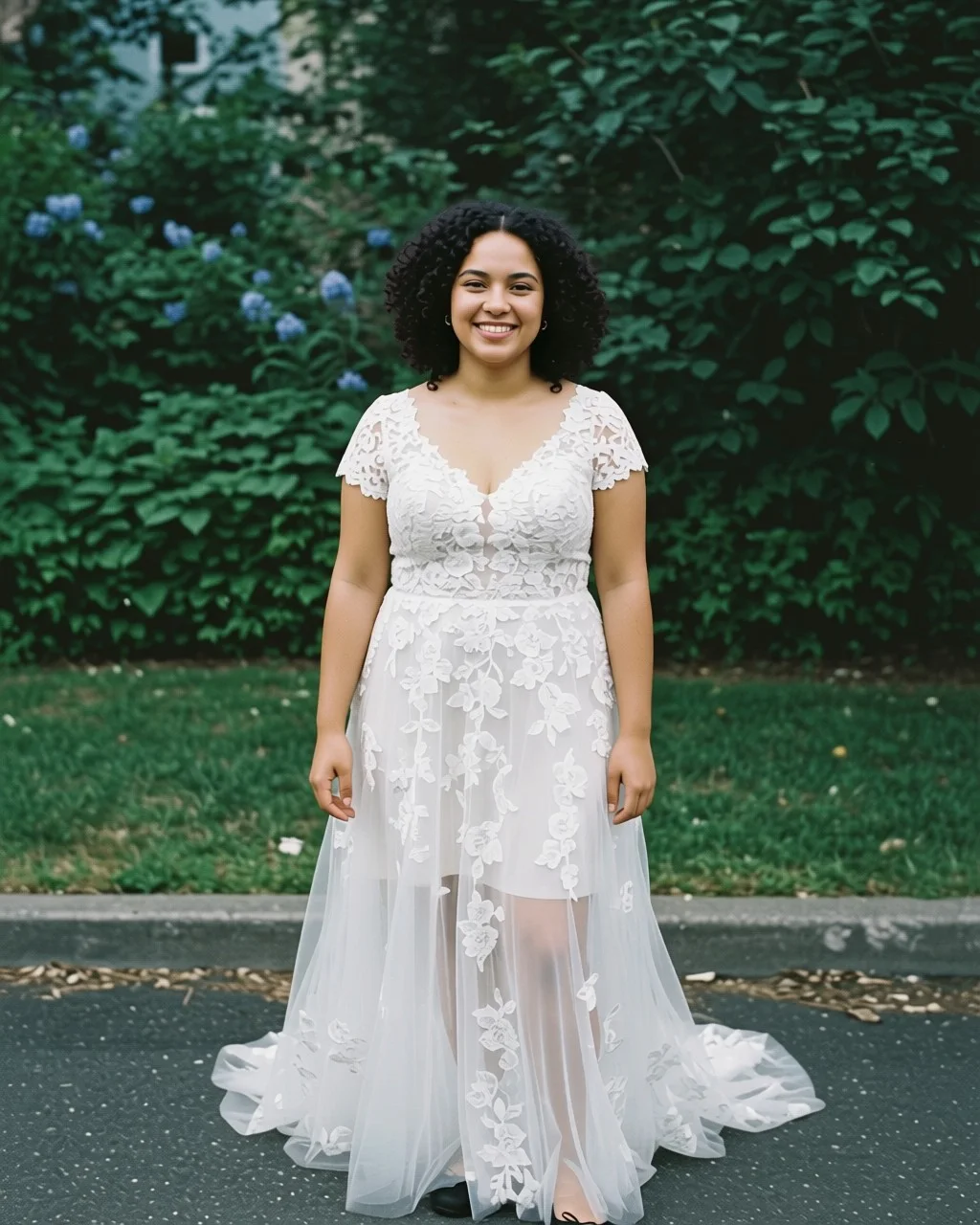
Anything looks fine on a plain tee. The test is structure — black lace over emerald satin, a gold buckle, a high-low hem — and a chain fine enough to lose. Drag to see what went in and what came back.
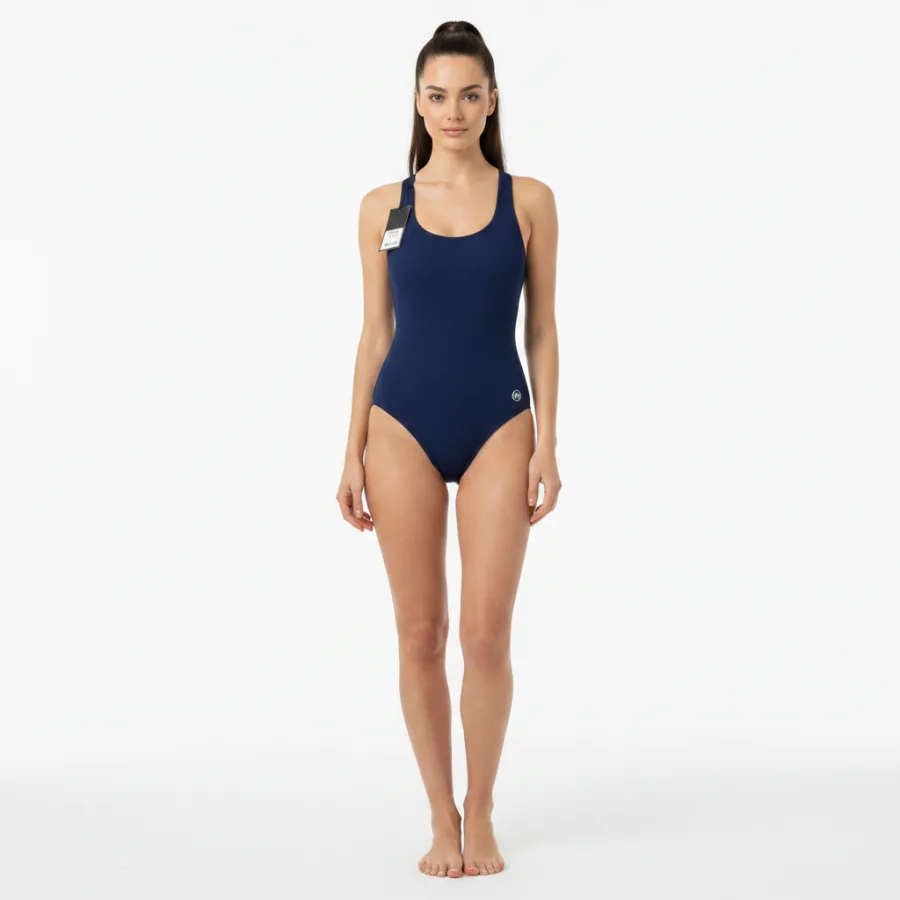
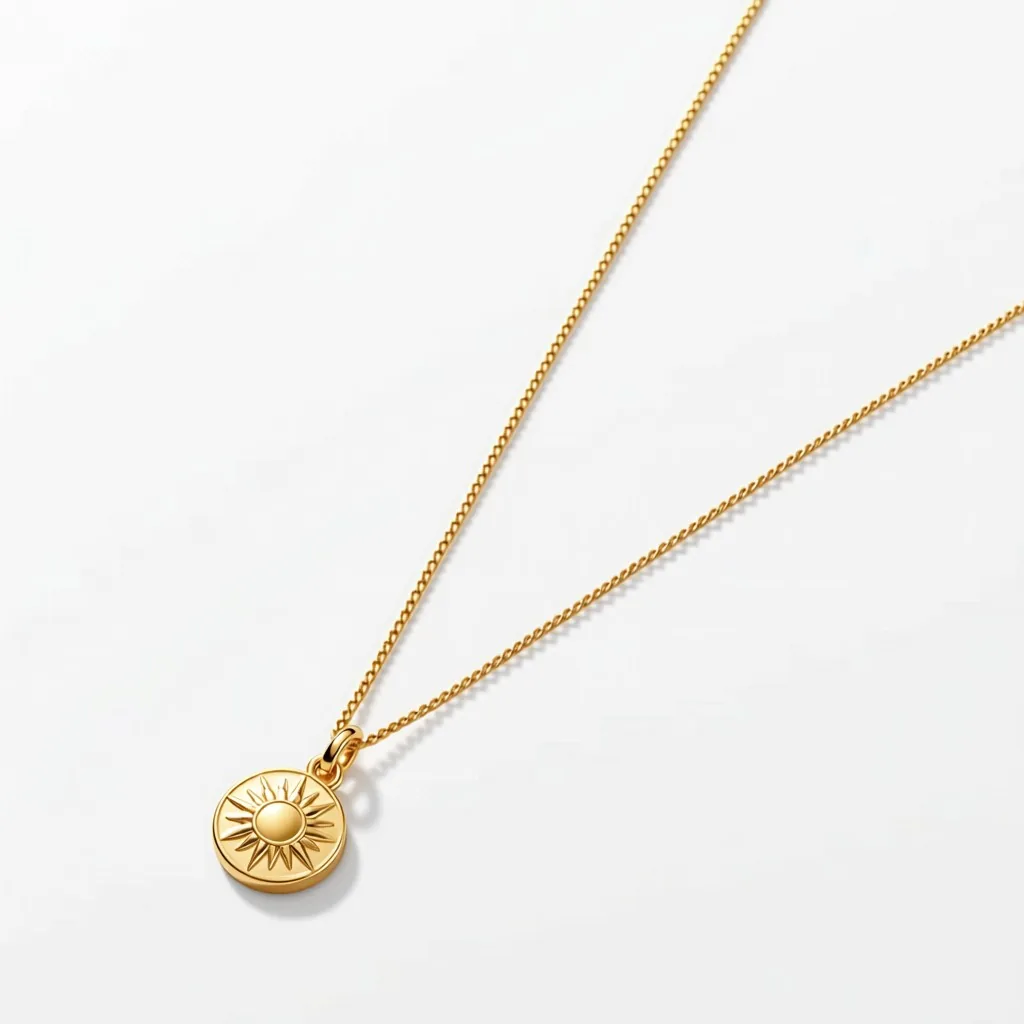
- Buttons stay buttons.Designed to preserve collars, hems, sleeve length and hardware. A garment that comes back subtly redesigned is a recurring complaint across this category.
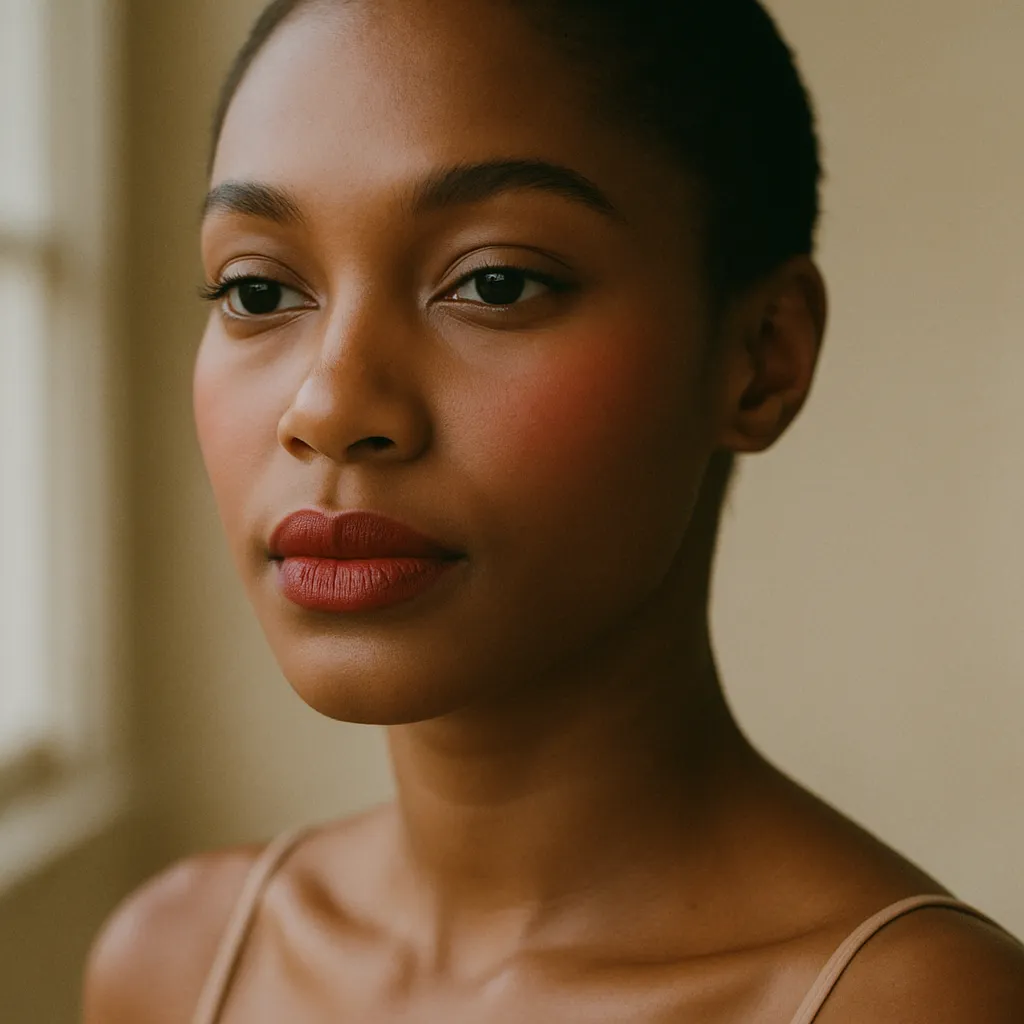
- The person stays the person.Face, hair, skin tone, apparent age and any head covering are preserved, and modest coverage is respected rather than quietly removed.
- Nothing here is retouched.Both frames came out of the pipeline this product runs on.
What merchants actually use it for
The situations people arrive with, and the thing that removes them.
“All I have are flat-lays, and I can't afford a shoot.”
Product-page model photos from the photo already in your admin.
“Shoppers can't tell if it'll suit them, so they don't buy.”
They see it on their own body before the cart, not on a house model.
“Nobody can judge a lipstick from a swatch on white.”
They preview the shade on their own face, and buy that exact variant.
The day you didn't have to book
Not a cost argument — we have no idea what your shoots cost, and anyone who tells you theirs is quoting someone else's invoice. This is the part that actually hurts: getting four people and a room into the same afternoon.
| Booking a shoot | Here | |
|---|---|---|
| Before anything happens | A studio, a model, a stylist, and a date all four can make | A product photo you already have |
| One more colourway | The whole day again | A regenerate, in the same setting |
| A change of mind | A reshoot, or you live with it | A sentence, and the next turn |
| Product page, grid and story | Three set-ups | One shoot, four ratios |
| Turnaround | Weeks | About six seconds a frame |
| What you commit up front | The budget, before you have seen a single frame | One credit — released if it fails |
And then the half a photoshoot cannot do at all
A shoot ends with a picture of a model. It has no answer for the shopper standing in front of the product page wondering how it looks on her. Most apps in this category pick a side — model photos for you, or a fitting room for them. This does both, off the same photo and out of the same balance. See how the category splits →
Built for the parts AI usually gets wrong
Three things merchants complain about across this whole category. We designed around them rather than hoping you would not notice.
A failed generation costs nothing
Credit is reserved when a job starts and released if it fails, errors or is rejected. Nothing is deducted for work we did not deliver.
No bring-your-own-key
Model improvements land on the plan you already pay for. You will not be sent off to buy an API key to use something you already bought.
It never blocks a sale
If you run out of quota the try-on button is removed, not shown broken. Your shopper never sees an error, and never sees a billing state.
A shopper's photo does one job
It makes that shopper's try-on, and nothing else. Results expire on a retention window you set per store. Live AR never uploads anything at all — it runs on their own device.
It works off Shopify too
One click on Shopify. On WooCommerce, a headless build or your own site, it is a single script tag and a product id — the same widget, the same wallet.
It stays light
The bundle loads lazily, the AR engine only downloads when someone taps it, and nothing is injected into your checkout.
You can see exactly what it did
Most apps in this category report that people clicked. This one follows the shopper through to the order, and hands you the emails it collected on the way.
| Lead | Product | Consent |
|---|---|---|
| r••••@gmail.com | Emerald lace dress | Yes |
| a••••@outlook.com | Satin lip colour | Yes |
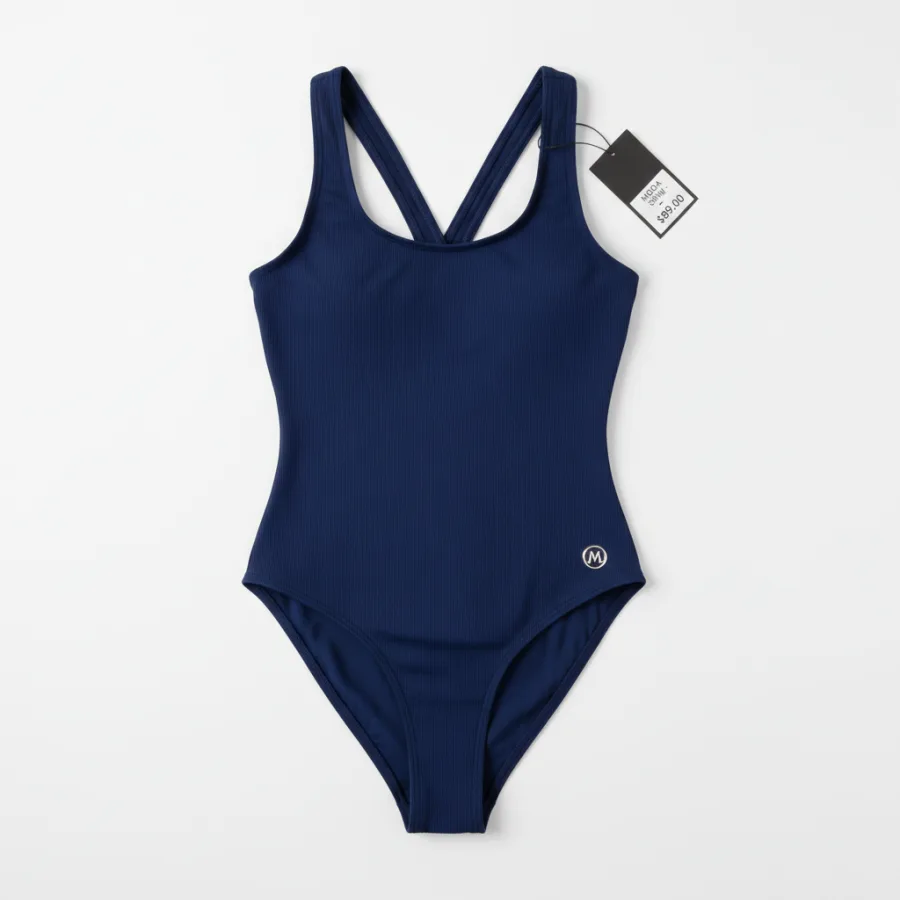
| m••••@icloud.com | Navy swimsuit | Yes |
Revenue, not sessions
Try-on to add-to-cart to order, with orders and revenue attributed back to the shoppers who tried something on — shown against your store's unattributed orders so the number means something.
Every try-on can be an email
Optional capture, before or after the result, consent recorded per lead, CSV export. Off by default — you decide whether it appears at all.
Per product, not just per store
Which products get tried on, which convert, and which are burning generations without selling anything.
One wallet, four capabilities
Images and video draw from one balance, shared across every store you connect. Each store carries its own plan, and every plan includes a monthly allowance of live AR views.
Pro
Recommended- 1,050 credits / mo
- 20,000 AR views / mo
- 360° video (10 credits)
- Billed per store
Scale
- 2,600 credits / mo
- Unlimited AR views
- 360° video (10 credits)
- Billed per store
The things people get burned on
Every question below is one that merchants have publicly complained about somewhere else in this category.
What happens when a generation fails?
You are not charged. The credit is reserved when the job starts and released if it fails, errors, or is rejected before delivery.
How do the credits work?
One AI image is one credit; a 360° video is ten. A monthly plan's allowance resets on your billing anniversary — the day you subscribed, not the first of the month — and is shared across every store you connect. The free plan's credits are one-time and never expire. Live AR doesn't spend credits at all: each plan includes its own monthly allowance of AR views. And if you run dry, optional extra usage keeps generations flowing at a per-image price with a monthly cap you control.
What is the difference between AI try-on and live AR?
AI try-on is for garments: the shopper gives a photo and the piece is generated onto them. Live AR is for makeup: lips, blush and eyeshadow rendered on their camera feed, on their own device, with nothing uploaded and nothing generated.
What happens to a shopper's photo?
It is used to produce that shopper's try-on and nothing else. Results expire on a retention window you set per store.
Will it work on my theme?
It installs as a theme app embed with no code edits. The button renders inline under your buy buttons where the theme allows it, and falls back to a floating trigger where it does not. It never blocks Add to cart.
Do I need to reshoot my catalogue?
No. It works from the product photos already in your admin.
What happens when a better model ships?
Improvements land on the plan you already pay for. If a future model ever costs materially more to run, it will be priced openly and announced before it ships, not discovered afterwards. You will not be asked to bring your own API key.
Does the shopper need an account?
No. They upload, generate and add to cart. Email capture is optional, and you decide whether it appears before or after the result.
What we have worked out so far
Notes on choosing an app, running a shoot without a studio, and the parts of selling clothes online that a photograph alone does not solve.
Best AI virtual try-on apps for Shopify
What separates the apps in this category, and what to check before you install one.
 Best AI product photoshoot apps for Shopify
The tools that turn one product photo into on-model, accessory and product-scene shots.
How to add virtual try-on to a Shopify store
The theme app embed, where the button lands, and what to switch on first.
Best AI product photoshoot apps for Shopify
The tools that turn one product photo into on-model, accessory and product-scene shots.
How to add virtual try-on to a Shopify store
The theme app embed, where the button lands, and what to switch on first.
Put your catalogue on a real person.
Ten images free. No card, no call, no onboarding project.