Best AI product photoshoot apps for Shopify
Five AI product photoshoot apps for Shopify, ranked on shoot control and output range, with entry allowances and per-image figures verified 26 August 2026.
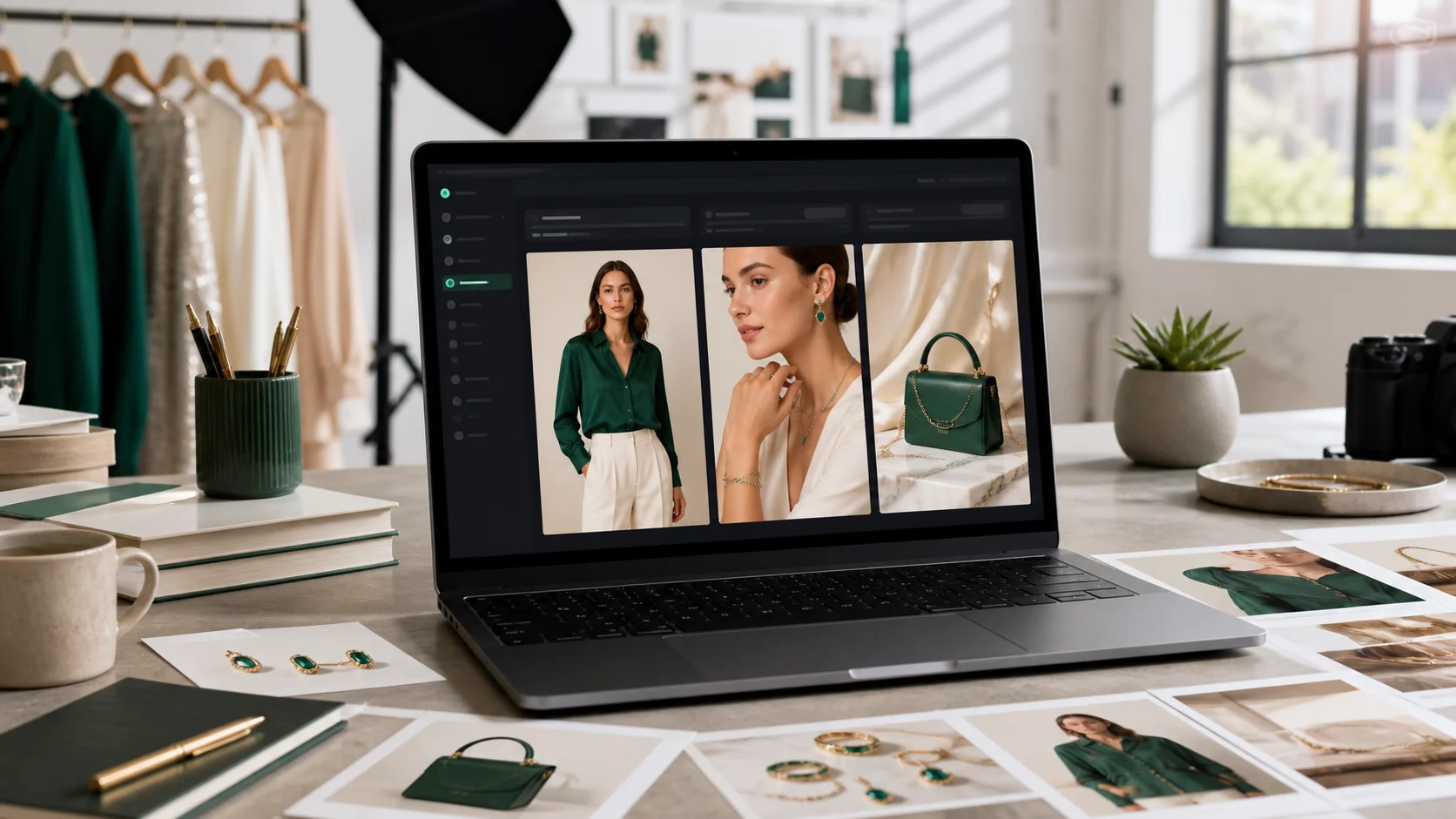
How this list is ranked
An AI photoshoot app has one job on paper: you send it a flat-lay, a mannequin shot or a packshot, and it sends back something you can put on a product page. Five apps here do that. What separates them is how much of the shoot you get to direct, how many kinds of shot come out of one product, and what happens to the image afterwards.
This page ranks on capability — the range of what each app can produce and control, printed in the matrix below and verifiable by opening five App Store listings. Rating, review count and headline monthly price are not what orders this list. Every comparison chooses what it measures; this is the choice here, made in the open.
Selvette is ranked first and Selvette publishes this page, so one thing goes on the record straight away: Selvette is the newest app on this list, launched in 2026 against apps shipping since 2023. Which is why what follows is built out of things you can check.
Pricing and features verified 26 August 2026. Vendors change plans and rename tiers quietly, so re-check the listing before you commit.
The comparison
| App | Photoshoot Studio | Publish to store | Shopper try-on | 360° video | Live makeup AR | Images per $1 at entry |
|---|---|---|---|---|---|---|
| Selvette | Yes | Product or variant | Yes | Yes | Yes | 7.9 |
| SellerPic | Yes | Not stated | Yes | Yes | No | 6.9 |
| Picjam | Yes | Not stated | No | Yes | No | 6.9 |
| Botika | Yes | Not stated | No | Yes | No | Not published |
| Modelize | Yes | Yes, to Shopify | No | No | No | 5.3 |
"Not stated" means the vendor's listing did not publish it on 26 August 2026, not that the feature is absent. Botika sells flat monthly tiers without publishing an image count, so no per-image figure can be calculated.
1. Selvette
Most tools in this category generate a picture. The Studio is closer to running a shoot, which matters because the gap between a usable product photo and a near-miss is usually one instruction — pull back, warmer light, hair up.
Three shoot types come out of the same product image. On-model puts apparel on a person. Accessory handles jewellery, eyewear and bags worn on a model, which is the shot flat-lay photography loses hardest, because a necklace on white says nothing about how it sits on a collarbone. Product Scene is styled product-only, no model in frame.
You direct it rather than reroll it. Choose from a roster of 50+ models or bring your own, and set skin tone from fair to deep, expression and hair. Scenes run from studio and city street to garden, living room and golden hour, or one you upload. Lighting runs from soft daylight and softbox to hard flash, moody and neon; mood from editorial and minimal luxury through playful and vintage film to high fashion and warm natural. Pick up to 6 poses from a nine-shot list — front, back, three-quarter, profile, walking, seated, leaning, hands on hips, over shoulder — and frame at 4:5, 1:1, 3:4 or 9:16, so the product page, the grid and the story crop come out of one shoot.
Then the part that does the real work. Editing is conversational, turn by turn, in plain language: "close up on the neck, one hand touching the necklace", then "don't cut her face, pull back a bit", then "warmer light, hair up". The product stays consistent across turns, and you can branch back from any earlier one when a direction stops working. Each send is 1 credit. Save a configuration as a Look and a whole range shoots the same way. Results land in a Gallery to download, or publish straight to a Shopify product or variant.
An image takes about 6 seconds. A failed generation costs nothing — the credit is reserved when the job starts and released if it fails, errors, or is rejected before delivery. Entry is $19 for 150 credits a month; optional overage runs 13¢ down to 9¢ by plan, off by default, behind a monthly cap you set. There is no bring-your-own-key arrangement, so no second bill from a model provider to reconcile.
Selvette also does shopper-facing try-on, 360° video reels and live makeup AR. If you came here for photos, you may not want any of that today — see below for what it changes later. The flat-lay workflow is laid out in flat-lay to model photos for Shopify.
2. SellerPic
SellerPic launched 28 December 2024 and has the broadest range on this list after Selvette: AI photoshoots, shopper try-on and video, plus an AI ad generator, background removal and bulk editing. Bulk tooling matters if your problem is volume rather than art direction — a hundred SKUs each needing one clean shot is a different job to one hero product needing six angles.
Entry is $29 for 200 images a month, and the top tier is $99 for 3,000 images. Live makeup AR is the one capability on the matrix it does not cover.
3. Picjam
Picjam launched 25 August 2025 and covers photoshoots and video. Its distinguishing feature is model handling: you can swap models on a generated shot and train custom ones, the route to take if one face needs to recur across a whole catalogue. There is also a $599/mo concierge tier, which tells you who the upper end is built for — brands that would rather hand the shoot over than run it.
Entry is $29 for 200 images a month, and the top tier is $99 for 2,000.
4. Botika
Botika has been on the App Store since 18 May 2023, the longest-running app on this page by a wide margin. It does AI photoshoots and video, with no shopper-facing try-on.
Pricing is flat monthly rather than credit-metered: $33/mo at entry and $230/mo at the top, with no image count published on the listing. Flat monthly is easier to budget than credits and some teams prefer it, but it does mean you cannot work out a cost per image before signing up. Ask for the volume figure first.
5. Modelize
Modelize launched 20 April 2026 and is the most focused app here: AI on-model photos, and that is the whole product. It runs on Gemini, offers 20+ models and 50+ presets, outputs at 4K, and publishes results directly to Shopify, which closes a loop that otherwise ends in a folder of downloads and a manual upload.
Entry is $19 for 100 images a month, and the top tier is $99 for 500. The 4K output is the reason to shortlist it if your product pages zoom hard on fabric texture and hardware.
What "photoshoot only" costs you later
You may not want shopper try-on today. Plenty of merchants arrive with one problem — the catalogue looks flat — and solving it fully is a good outcome on its own.
What is worth knowing is how the second problem looks when it arrives, because it usually does. A shopper sees a good on-model image and still cannot tell whether the piece will suit her. The model in the frame is not the person holding the credit card. At that point a photoshoot-only tool has run out of road, and the fix is another app, another theme embed, another balance and another vendor to email when something breaks. Two of the five apps here go further than the product page; one covers try-on, video and live makeup AR as well. Buy what you need, but know which door you are walking through — the shopper side is compared separately.
What the per-image figures mean
The images-per-dollar column is a starting point, and it hides two things.
The first is that Selvette credits are shared: 1 image is 1 credit, 1 360° video is 10, and shopper try-ons draw from the same balance. So 150 credits is 150 photoshoot images only in a month where nothing else is running — if you intend to use more than one capability, size the plan for all of them. The balance is shared across every store you connect while a plan is billed per store, which matters if you are an agency running several clients.
The second is that a per-image figure assumes every image is usable at the first attempt. Three rerolls to get a neckline right makes a 5¢ image a 20¢ image at any vendor, which is why editing control does more for real cost than the headline rate does.
Checking the output before you publish it
Whichever app you shortlist, check the same details on every result: necklines and collars, sleeve and hem length, lace, embroidery, buttons and hardware, where the waist sits, how the fabric drapes and whether it reads as transparent when it is not. Check colour against your own product photo rather than memory, and check that modest coverage holds where the garment depends on it.
An image that quietly restyles the neckline is not a photo of your product. It is a photo of something you do not sell, and the returns desk will find out before you do. Test on the hardest piece in the catalogue, not the easiest. More on where AI shoots fit by store type in the use-case library.
FAQ
Can AI photoshoot apps replace a real shoot?
They replace the routine part, which is most of the volume. Colourway variants, repeat shots of a piece already photographed once, seasonal refreshes and the fourth angle a product page needs are all jobs where the coordination costs more than the photography — studio, model, stylist, a day in the diary. Campaign work that carries brand storytelling is a different matter, and a real shoot still earns its place there.
Do I need on-model photos or shopper try-on?
They answer different questions. On-model photos fix the catalogue: they make the product page, the collection grid and the ads look like a brand rather than a warehouse. Shopper try-on answers the doubt that survives a good photo, which is whether the piece will suit the person looking at it. If your product pages are flat-lays on white, start with the photos, because try-on cannot rescue a catalogue nobody stops on. The Shopify virtual try-on app use case covers the second half.
What input images do these apps need?
Most work from what is already in your Shopify admin — flat-lays, mannequin shots or packshots — with no reshoot, and Selvette is built that way. Input quality still shows in the output, so a sharp, evenly lit flat-lay on a plain background beats a phone photo on a bedroom floor. If your catalogue is mixed, test on the worst image you have rather than the best, because that one sets the ceiling.
How much does an AI product photoshoot cost per image?
At entry tiers on the apps compared here, published figures run from roughly 12.7¢ to 19¢ an image, with Botika selling flat monthly access instead of a metered count. What you actually plan against is the number of generations it takes to get a publishable frame, which is why editing control and the failure policy matter. Selvette entry is $19 for 150 credits, 1 credit per image, and a generation that fails releases its credit rather than spending it.