AI try-on for makeup brands on Shopify
Live AR shade try-on for lipstick, blush and eyeshadow, rendered on the shopper's own camera on their device — plus AI Product Scene shoots for the packaging.
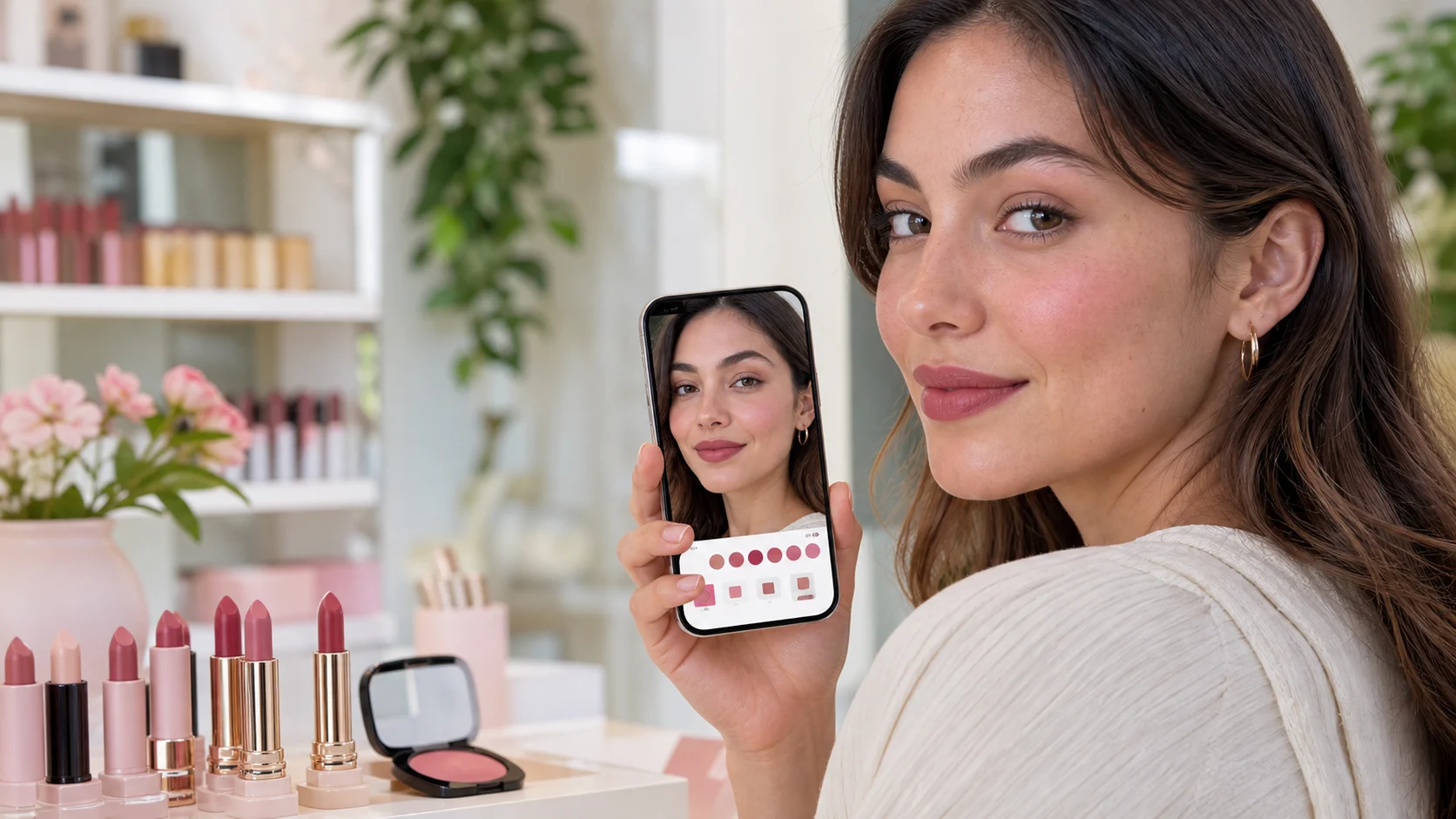
Shade is the whole decision, and a circle on white answers none of it
Beauty is the one category where the product page carries almost no information. A lipstick listing gives a name someone in marketing chose, a pan or tube shot, and a swatch circle rendered on a background nobody's face resembles. Everything the shopper actually needs — how the undertone sits against their skin, whether the finish reads matte or wet under their bathroom light, whether "Rosewood" is brown on them — is missing.
So they do the sensible thing and buy nothing, or they buy three shades intending to return two. Neither outcome is good for a brand carrying 24 colourways of one product.
Live AR, not a generated photo
Selvette's makeup try-on is not image generation. There is no upload, no queue, no result to wait for. The shopper taps try-on, the camera opens, and the shade renders onto their own face as they move — lipstick, blush and eyeshadow, tracked live.
Three things follow from that, and they are the reasons this works differently to apparel try-on:
- It runs on the shopper's device. Nothing is uploaded, nothing is generated, and no photo of anyone's face leaves the phone. That is a materially easier conversation to have with a beauty audience than "upload a selfie".
- It costs no credits. Live AR does not draw on your image balance. Each plan carries its own monthly AR view allowance, listed on the pricing page, and the images your Studio generates draw on a separate credit balance.
- The shopper needs no account. No sign-up wall between a curious visitor and the shade they came to look at.
Three areas are covered today: lips, blush and eyeshadow. Not a full face. Those are the three where colour choice stalls a purchase most often, and the three that hold up under live tracking.
Where it sits on the page
Selvette installs as a theme app embed, with no code edits and no developer. It renders inline under the buy buttons where your theme allows it, and falls back to a floating trigger where the theme does not. It never blocks Add to cart. A shopper who already knows they want Rosewood is not made to walk through an AR experience to buy it.
On Shopify that is one click from the App Store. On any other storefront, the same thing runs from a snippet.
Map each shade to the variant behind it before you launch. If someone previews Berry and taps add to cart, Berry is what should land in the basket — the AR view and your variant list have to agree, and that is worth 10 minutes of checking on a range with 24 colourways.
The packaging still needs photographing
The other half of a beauty catalogue is the product itself: the tube, the compact, the dropper bottle, the palette lid with your logo foiled onto it. None of that is worn, so none of it needs a model.
The Studio's Product Scene shoot type covers exactly this. You start from the photo already in your admin and place the product into a styled scene — studio, living room, garden, golden-hour, or a location you upload. Lighting runs soft daylight, golden hour, softbox, hard flash, moody and neon, which on glass and lacquer is the whole difference between a product that looks expensive and one that looks like stock. Mood runs editorial, minimal luxury, playful, vintage film, high fashion and warm natural.
Set the aspect ratio for where it is going: 4:5 for the product page, 1:1 for the grid, 9:16 for a story. Then generate. An image takes about six seconds, costs 1 credit, and a generation that fails costs nothing.
Then refine it as a conversation. "Move the compact to the left, open it slightly." "Lose the eucalyptus, put it on marble." "Harder shadow, tighter crop." The product stays consistent across turns, and you can branch back to any earlier turn if a direction stops working. When a run finally looks like your brand, save it as a Look and apply it to the rest of the shade range, so 24 colourways read as one campaign rather than 24 afternoons. Everything lands in a Gallery to download, or publish straight onto a Shopify product or a specific variant.
The same shoot types cover the model-worn side of a beauty range too — a hand holding a compact, or the flat-lay to on-model workflow if you also sell apparel or accessories.
What to look at before you switch it on
Test on a real phone rather than a desktop webcam, since that is where the traffic is. Check the shades across a range of skin tones, not just the one on your moodboard. Confirm the shade names in the AR picker match the names in your Shopify data, because a mismatch there is the kind of thing shoppers email about. And check the product page still feels like yours with the embed in place — an AR panel that looks like a generic camera tool undercuts the brand it is meant to sell.
Start narrow. One bestselling lipstick range, or one new launch where shade uncertainty is doing the most damage, is enough to see how shoppers use it.
FAQ
Does makeup try-on upload the shopper's photo anywhere?
No. Selvette's live makeup AR renders on the shopper's own device, on their camera feed, in real time. Nothing is uploaded and nothing is generated on a server, which means there is no photo of a customer's face sitting anywhere to be stored, retained or deleted. It also means no account is required to use it.
Which makeup products does the AR cover?
Lips, blush and eyeshadow. Those three cover the shades where colour choice most often stops a purchase — a lipstick range, a blush palette, eyeshadow singles. Each shade should be mapped to the Shopify variant behind it so the add-to-cart action carries the previewed colour, not a generic product.
Does live AR use my image credits?
It does not. Credits are spent on generated images and video from the Studio; live AR draws on a separate monthly view allowance that comes with each plan. A brand running heavy AR traffic and light photoshoot work will feel those two limits independently, which is the point.
Can I use Selvette for the packaging shots as well?
Yes. The Product Scene shoot type produces styled product-only images with no model in frame — tubes, jars, palettes, bottles — with control over scene, lighting, mood and aspect ratio, and turn-by-turn editing to adjust props or crop. Other applications are listed on the use-case index, and there is a wider survey in the best AI photoshoot apps for Shopify.