AI virtual try-on app for Shopify
What an AI virtual try-on app does on a product page, where the button sits, what a generation costs, and how to judge one before you install it.
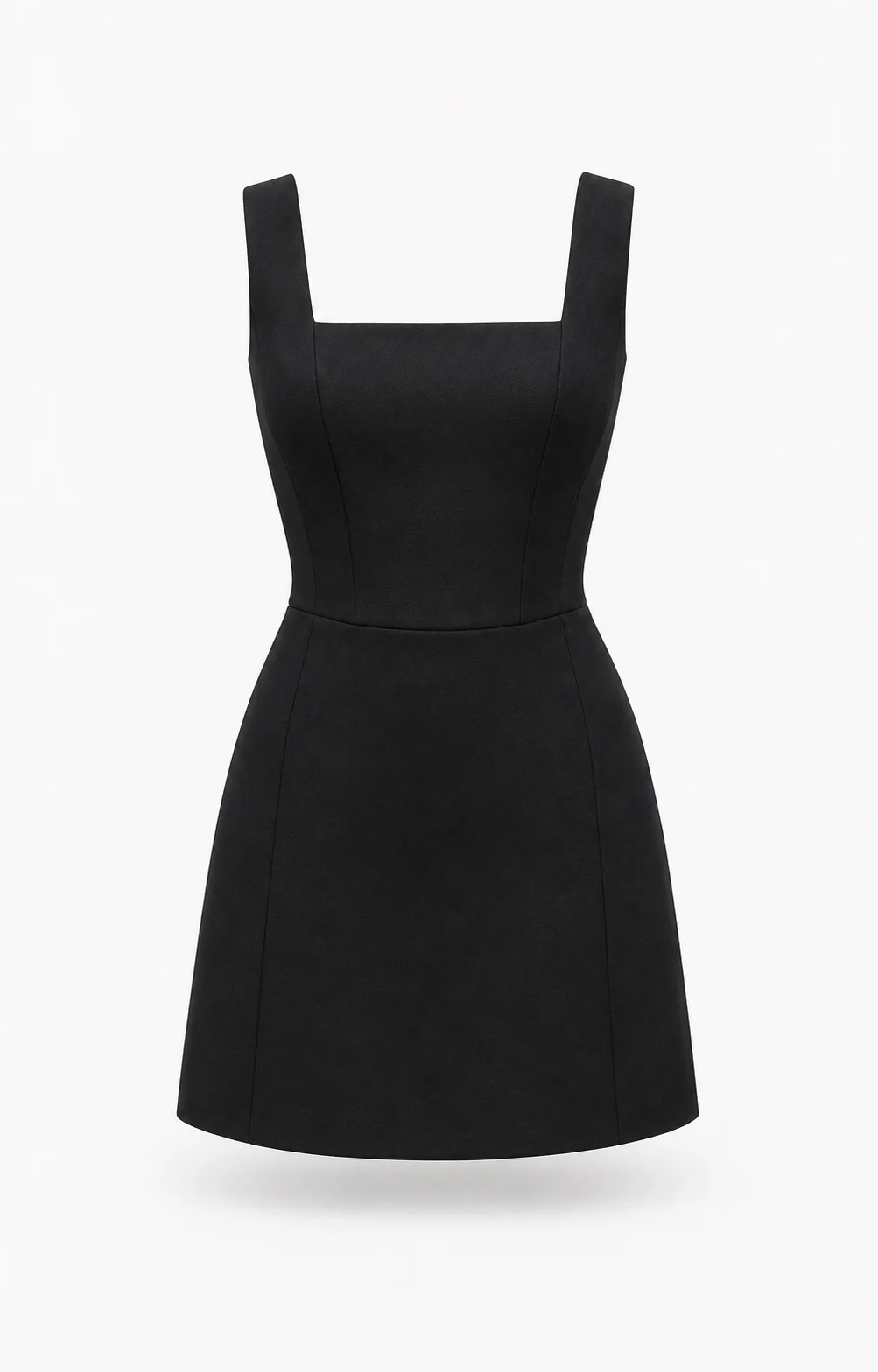
What one of these apps actually does
A shopper on your product page has your photographs and a size chart. Both describe the garment. Neither describes the shopper.
A virtual try-on app closes that gap using a photo the shopper supplies. They tap the button, take a picture or pick one from the camera roll, and the garment is rendered onto them. About six seconds later they are looking at themselves in it, on the same page, without having created an account.
That is the mechanism, and it is broadly the same across the category. What separates one app from another is where the button sits, whose photographs it works from, what happens when a render fails, and what you are billed for.
Where it sits on the page
Selvette installs as a theme app embed. No code edits, no developer, no duplicating your theme first. On Shopify that is one click; on any other storefront it is one snippet, and the try-on behaves identically either way.
Where your theme allows it, the try-on renders inline under the buy buttons — the place a shopper is already looking. Where a heavily customised theme does not, it falls back to a floating trigger instead of quietly failing to appear.
One rule sits above the rest: try-on never blocks Add to cart. A shopper who has already made up their mind should be able to buy without touching it.
What to check before you pick one
Whose photographs it works from. Selvette generates from the product images already sitting in your admin. If an app needs a fresh shoot before it can do anything, it has handed you the expensive half of the job and kept the easy half.
What a failed generation costs. On Selvette it costs nothing. The credit is reserved when the job starts and released if the job fails, errors, or is rejected before it reaches the shopper. Ask whoever you are evaluating what a failed render costs. The answer tells you how they think about the meter.
What a credit actually buys. One AI image is 1 credit; one 360° video is 10. That same balance covers shopper try-ons and your own product photography, which is worth saying out loud: 1,050 credits on Pro is not 1,050 try-ons if you are also running photoshoots. A per-try-on comparison against a try-on-only app compares two different things.
Where shopper photos go. Someone is uploading a picture of their body to your storefront. You should be able to explain, in one paragraph on your privacy page, what happens to it. With Selvette the photo produces that shopper's try-on and nothing else, and results expire on a retention window you set per store — so the answer is one you control rather than one you inherit. The privacy checklist for customer photo uploads covers what to write, and the questions to put to any vendor in this category.
Whether it earns anything when no shopper is present. Try-on only runs while someone is on the page. Ask what the app does the rest of the time.
The half of this category that is not try-on
Your product page is made of the same supplier flat-lays as everyone else's, and no amount of try-on fixes the image that has to persuade someone to open it.
Selvette's Studio turns a single product image into a shoot. On-model for apparel, Accessory for jewellery, eyewear and bags, Product Scene for styled product-only shots with no model. There is a roster of 50+ models, or bring your own. You set skin tone, expression and hair, then the scene — studio, street, garden, golden-hour, or an image you upload — plus lighting and mood. Up to 6 poses come out of one run, including back and three-quarter, in 4:5, 1:1, 3:4 or 9:16.
Then you direct it in plain language, turn by turn: close up on the neck, one hand touching the necklace, then don't cut her face, pull back a bit, then warmer light, hair up. The product stays consistent across turns, and you can branch from any earlier turn. Each send costs 1 credit. Save the configuration as a Look and the next 40 products in the range come out matching. Results land in a Gallery, where you download them or publish straight to a Shopify product or variant. The flat-lay to model photos walk-through covers that side in full.
What it costs to run
Free is 10 credits, one time. Grow is $19/mo for 150 credits, Starter $59 for 500, Pro $99 for 1,050, Scale $249 for 2,600. Your monthly allowance resets on your billing anniversary rather than the 1st.
Live makeup AR sits outside the credit system. Lipstick, blush and eyeshadow render on the shopper's own camera feed, on their device — nothing uploaded, nothing generated — on a monthly view allowance carried by each plan. 360° video is available from Pro upwards.
Overage is off by default. Switch it on and it runs 13¢ down to 9¢ per image by plan, under a monthly cap you set. Off means off, so a product page that has a good week cannot produce a surprise invoice. The full plan table sits in the pricing section.
Your balance is shared across every store you connect; the plan is billed per store — agencies run several client sites from one balance.
A first month that tells you something
Enable 10 to 20 products rather than the catalogue. Try-on switches on per product and per collection, so this is a setting rather than a compromise. Pick the ones where shoppers email you a question before buying, because that message is visual doubt written down.
Check the first outputs against the real garment before a customer sees them. Hem length, neckline, sleeve, print placement, colourway. Then watch which products get tried on repeatedly and still do not convert. Read that as a verdict on the page rather than on the try-on: the photography is usually the weak part, and the fix for it is in the Studio.
Bridal and occasionwear behave nothing like a boutique with weekly drops; the use-case library breaks the categories out.
FAQ
Do I need new product photos before I can use virtual try-on?
No. Selvette works from the product photos already in your Shopify admin, including flat-lays and mannequin shots, so there is no reshoot before you switch anything on. If those source images are weak, the Studio can turn one into on-model photography first, but that is a separate decision.
Will it work on my theme?
Selvette installs as a theme app embed with no code edits. Where the theme allows it, the try-on renders inline beneath the buy buttons; where a customised theme does not, it falls back to a floating trigger so the entry point still appears. In neither case does it block Add to cart.
Is virtual try-on the same as a size recommender?
They solve different problems. Try-on answers what the garment looks like on a particular person — colour, length, coverage, how it sits. A size recommender answers which size to order. Try-on is a visual preview and does not replace your size chart.
What does each try-on cost me?
One generated image is 1 credit, drawn from the same monthly balance as your Studio photoshoots. A generation that fails, errors, or is rejected before delivery releases its credit and costs nothing. Live makeup AR spends no credits at all and runs on its own monthly view allowance.