AI try-on for fashion boutiques
How multi-brand boutiques run AI try-on and AI on-model photography across a fast-moving catalogue without a studio, a model day or a second member of staff.
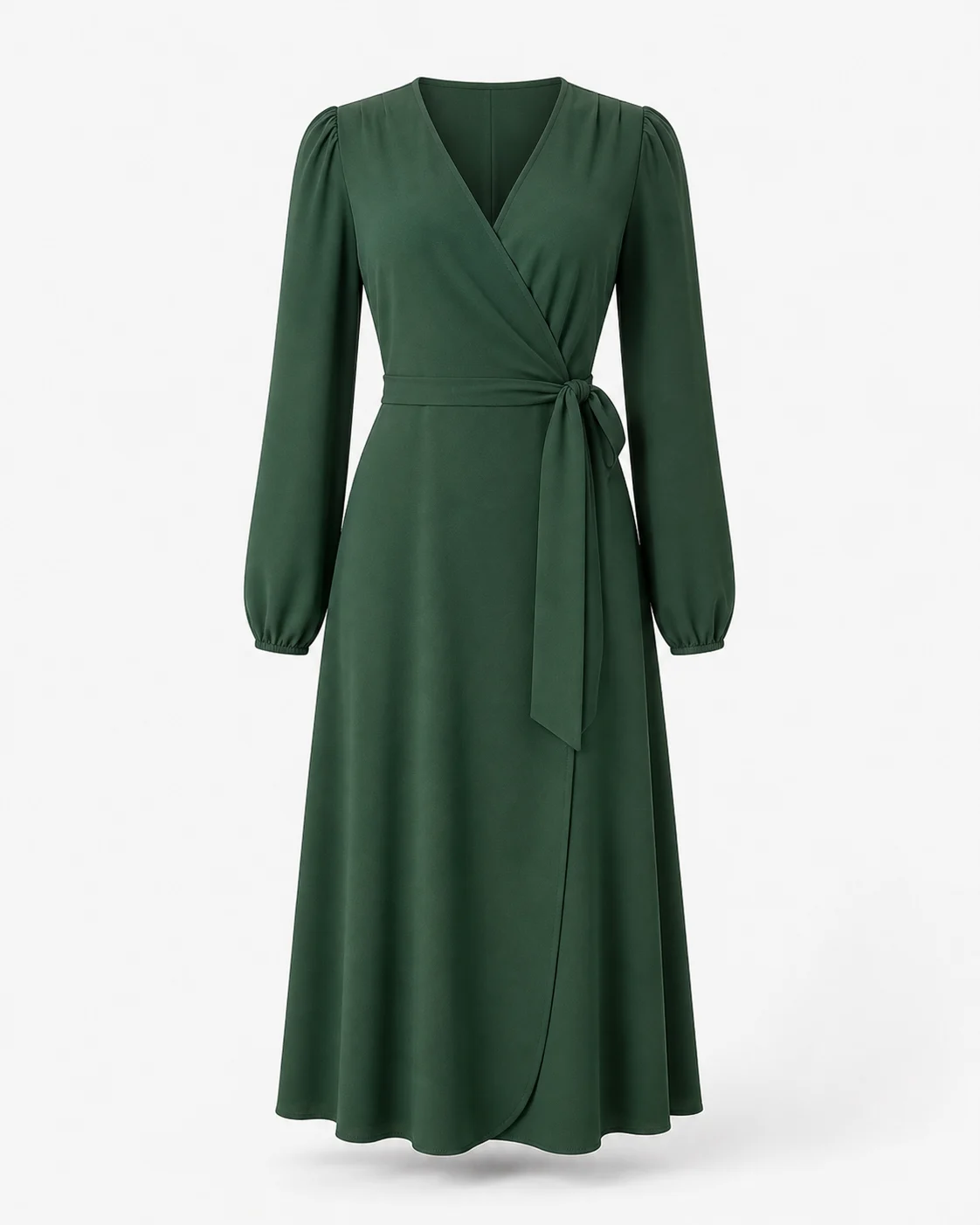
Your catalogue is other people's photography
A multi-brand boutique carries 40 labels and inherits 40 photography standards. One brand ships proper on-model shots. One ships flat-lays on grey. One ships a hanger against a stockroom wall with a plug socket in frame. Nobody shot any of it for your collection grid.
So the grid reads as a jumble sale even when the buying is excellent, and the buying is usually the whole reason someone shops with you rather than the label direct. Taste is what a boutique sells, and inconsistent supplier images hide it.
The obvious fix is to reshoot. The reason nobody does is arithmetic: a studio, a model, a stylist and a day in the diary, for a style you have six units of, which will be gone in a fortnight.
Stock that turns over faster than a shoot can be booked
Independent boutiques buy shallow and wide. Six of a dress, four of a jacket, one drop landing every week or two, half of it repeating never. By the time a shoot could be arranged, half the rail has sold and the other half is on markdown.
That is why boutique product pages go live on whatever the supplier sent. Listing on Tuesday with mediocre images beats listing next month with good ones, so the mediocre images win every time.
Selvette's Studio works from the product image already in your admin. Upload nothing new, book nothing; an image comes back in about six seconds. On-model covers apparel; Accessory covers the jewellery, eyewear and bags on the counter by the till; Product Scene handles styled product-only shots for pieces that do not need a body in the frame at all. The flat-lay to model photos guide walks through the mechanics.
One setup, then the whole drop matches
Consistency is the part small teams lose first, and it is the part that actually reads as a brand.
Pick your model once — there is a roster of 50+ models, or you bring your own — and set skin tone, expression and hair. Pick a scene: studio, street, garden, golden-hour, or an upload of your own shop interior. Pick lighting and a mood, from soft daylight and softbox through to hard flash, moody or neon, in registers from minimal luxury to high fashion to vintage.
Then save it as a Look. Every piece in the drop runs through that same setup, so 30 products from 12 suppliers come out looking like they were shot in one afternoon by one person. Next month's drop uses the same Look and matches last month's — consistency solved by a saved configuration rather than by hiring anyone.
Where a result needs adjusting, you say so in plain language and keep going: close up on the neck, one hand touching the necklace, then don't cut her face, pull back a bit, then warmer light, hair up. The garment holds steady across turns, and you can branch back to an earlier turn instead of starting the piece again. Each send is 1 credit, and a generation that fails or errors before delivery releases its credit and costs nothing — which makes experimenting on an awkward supplier photo reasonable rather than a gamble.
One session, every crop you post in
A boutique publishes the same piece to a product page, a collection grid, a story, a reel cover, an email and an ad, and each wants a different crop. Up to 6 poses come out of a single run — front, back, three-quarter, profile, walking, seated, leaning — at the aspect ratio you set for it: 4:5 by default, or 1:1, 3:4 or 9:16, one ratio per run. Results land in a Gallery to download, or publish straight to the Shopify product or variant, so the listing and the week's social come from one session.
Which products deserve try-on when the catalogue is wide and thin
Not all of them. A wide catalogue of small buys is exactly the wrong place to switch something on across the board.
Shopper try-on earns its place where a customer is interested and stuck — the pieces that get a DM asking how long it is, whether it is see-through, or what it looks like on someone who is not a size 8. The shopper uploads or takes a photo and sees the piece on herself, with no account to create.
Turn it on for 10 or 20 of those first. Watch which ones get tried repeatedly and still do not sell — that is a product page problem wearing a try-on costume, and the fix is back in the Studio. If you take enquiries as well as orders, email capture is optional and you choose whether it appears before or after the result.
Running it with a team of two
Installation is a theme app embed. No code edits, no developer, no theme duplication first — one click on Shopify, one snippet if you sell somewhere else. Where the theme allows it, try-on renders inline under the buy buttons; where it does not, it falls back to a floating trigger rather than vanishing. It never blocks Add to cart. The step-by-step install covers the rest.
At boutique scale the ceiling matters more than the headline number. Overage is off by default, and if you switch it on you set a monthly cap yourself, so a piece that goes round on TikTok cannot produce an invoice you did not agree to. Live makeup AR runs on the shopper's own device and spends no credits. The balance is shared across every store you connect; the plan is billed per store. Numbers are in the pricing section, and the other categories are broken out in the use-case library.
FAQ
Do I need to reshoot supplier photos before I can use this?
No. The Studio generates from the product images already in your Shopify admin, including flat-lays, hanger shots and mannequin images, so the shoot never has to happen. Check each result against the physical garment on the rail before publishing, because a supplier photo that misrepresents a detail will carry that error forward.
How do I stop AI images making my brand look like everyone else's?
Set the model, skin tone, scene, lighting and mood once, save it as a Look, and run every product through it. Consistency is what a small boutique competes on, and a saved configuration enforces it across a drop from a dozen suppliers. If your brand is quiet, choose minimal lighting and a plain scene.
Should I enable try-on on the whole catalogue?
No, and you do not have to choose between all and nothing. Try-on is enabled per product and per collection, so switch on 10 to 20 pieces where shoppers already message you before buying — dresses, occasionwear, swim, strong colourways, anything above your average basket. A wide catalogue of shallow buys does not need try-on on every line, and a smaller set gives you a readable signal about which categories it actually moves.
What happens if a generation goes wrong?
A generation that fails, errors, or is rejected before delivery releases its credit and costs nothing. The credit is only reserved while the job runs. That is what makes it sensible to push an awkward supplier image through and see what comes back.